
Materials for
beginner developers
Start your programming journey with clear and accessible materials from our experts. Step-by-step guides and practical examples.
Materials for beginners
Carefully selected articles for your level

URL Structure and Query Parameters
Every HTTP request targets a specific address. Understanding URL structure means you can read requests like plain text instead of...
HTTP Methods: GET, POST, PATCH, PUT, DELETE
In previous lessons we always used GET requests — asking the server for data. But HTTP supports other methods for...

What Is an API and Why Does It Exist
Every time you open a weather app, pay with a card, or see recommendations on YouTube — an API is...

What Is a Git Commit and Why Do You Need It? 📸
A commit is a saved snapshot of your project at a specific point in time — like a save point...

Signing up for GitHub: a step-by-step guide 📝
GitHub is the largest platform for hosting Git repositories and collaborative development. Millions of open-source projects and developer portfolios live...

Common Git Mistakes Beginners Make
7 mistakes that most often break your workflow.

Public vs Private Repositories on GitHub ⚖️
Choosing between Public and Private? Let's break down the differences and when to use each!

Git Clone: Complete Guide 📦
git clone is the command for copying (cloning) a remote repository to your computer.

GitHub Desktop: Installation and First Steps 🖥️
GitHub Desktop is a graphical client for working with Git. Instead of terminal commands, you work through a convenient interface...
Switching Between Repositories in GitHub Desktop 🔄
Working on multiple projects? Here's how to quickly switch between repositories in GitHub Desktop.
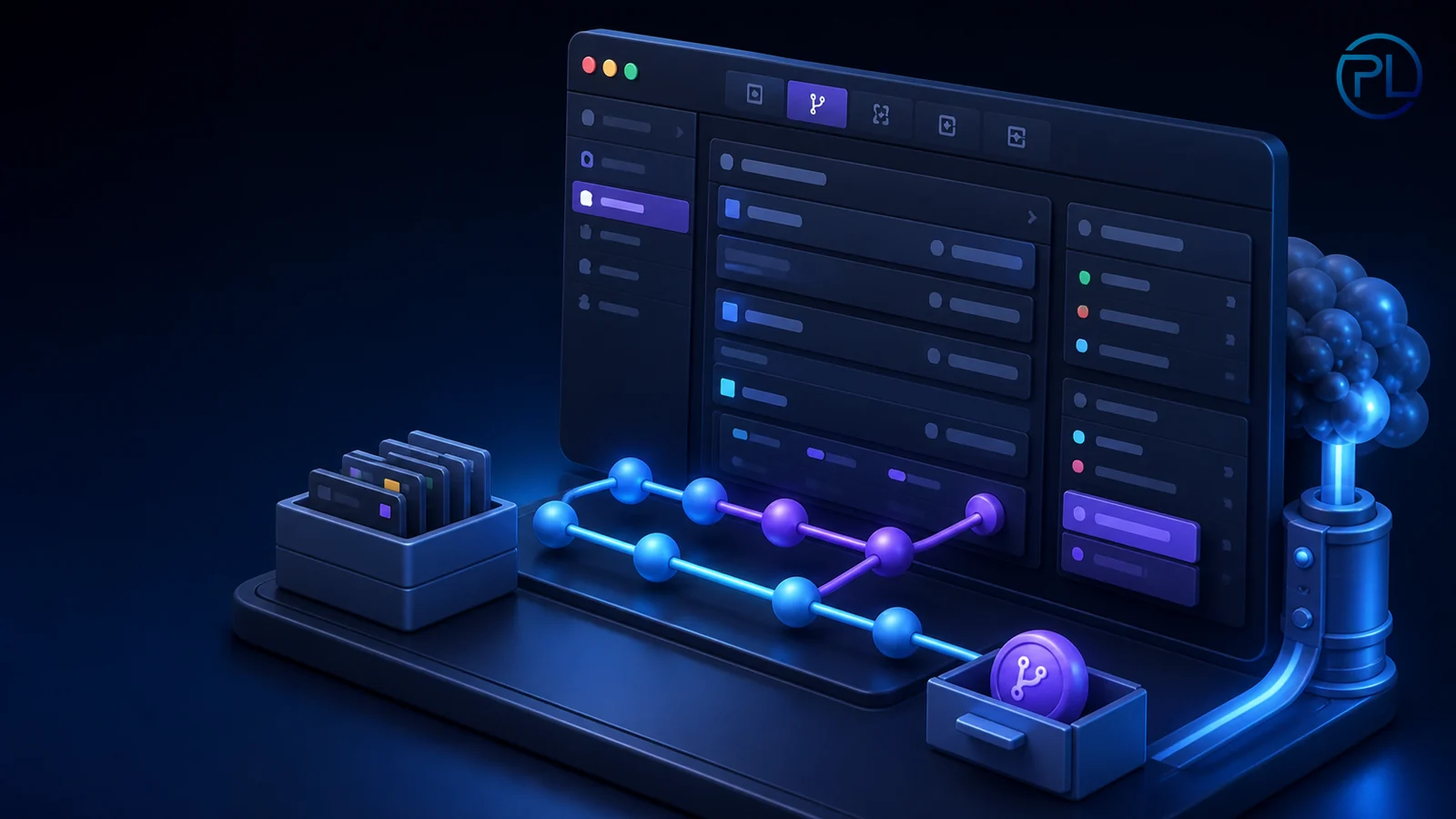
GitHub Desktop: Interface for Beginners 🎨
Opened GitHub Desktop for the first time and not sure where to start? Let's walk through the interface section by...

Cloning a Repository in GitHub Desktop 📥
Want to copy someone else's (or your own) repository from GitHub? Here's how to do it through GitHub Desktop!
Other difficulty levels
Choose the level that suits you
Advanced level
Complex techniques and concepts for experienced developers
Keep developing
Study materials of different levels and gradually improve your skills